
The Problem: Modern Desktops Broke the Simple Clipboard
If you write code on a modern Linux desktop, you know the clipboard situation is surprisingly painful.
On modern Wayland setups (GNOME, Sway, Hyprland), traditional X11 clipboard utilities either crash or fail to capture copy events reliably. The modern alternatives are almost always heavy Electron apps that sit in the background consuming 300 MB to 500 MB of RAM just to remember text snippets you copied ten minutes ago.
Even worse is the privacy problem. Most clipboard managers blindly capture everything—including master passwords from your password manager, temporary OTP codes, and production API tokens—saving them forever in plaintext without a quick way to pause recording.
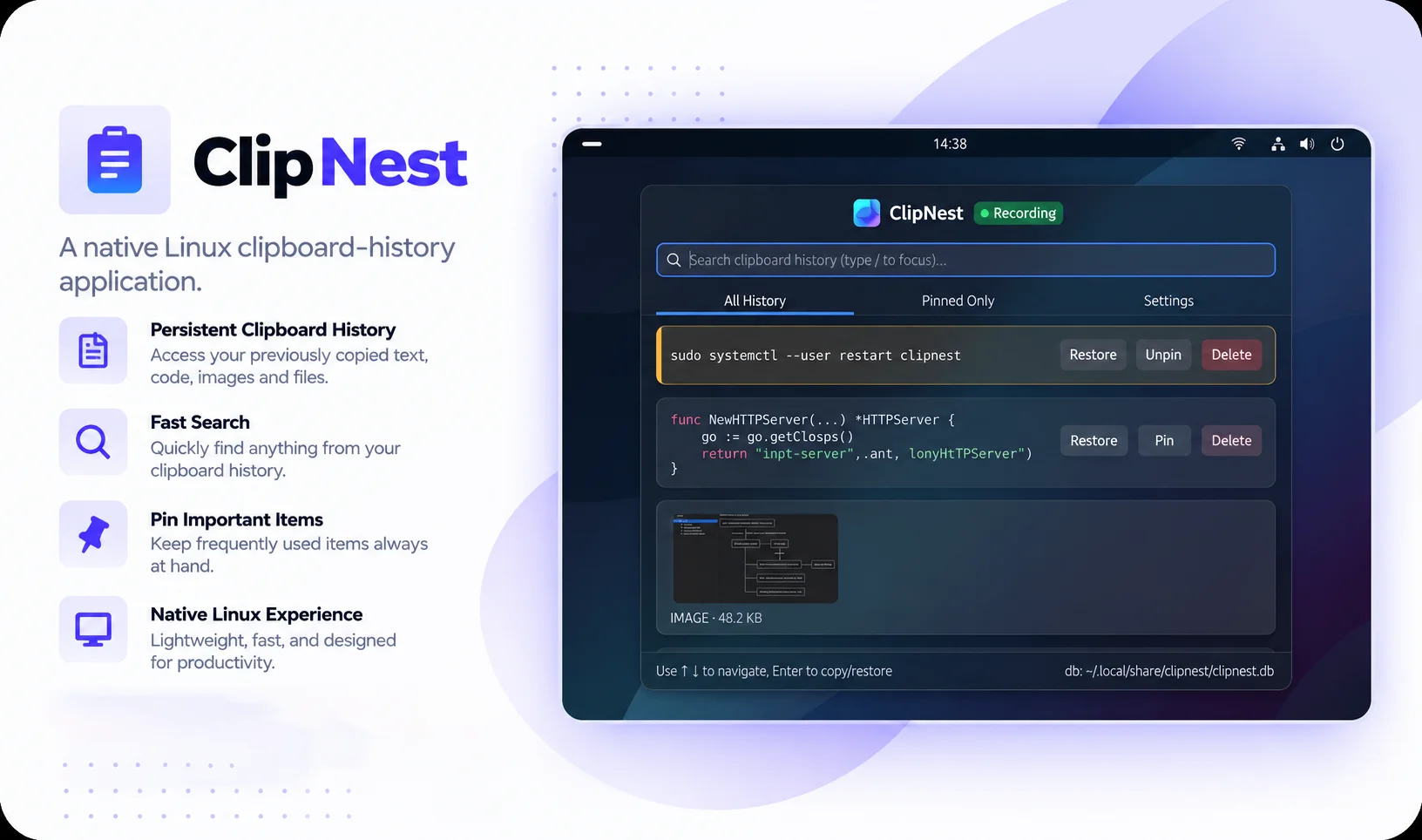
I didn't want a bloated 500 MB Electron app, and I didn't want a tool that accidentally logs my passwords. I wanted a quiet, native Go background daemon that uses less than 15 MB of RAM, stores history in a local SQLite file, lets me pause logging when copying secrets, and provides a clean local web dashboard to search my history.
“A clipboard manager shouldn't consume more memory than the code editor you're working in, and it shouldn't log your passwords without asking.”
— Shubham Upadhyay